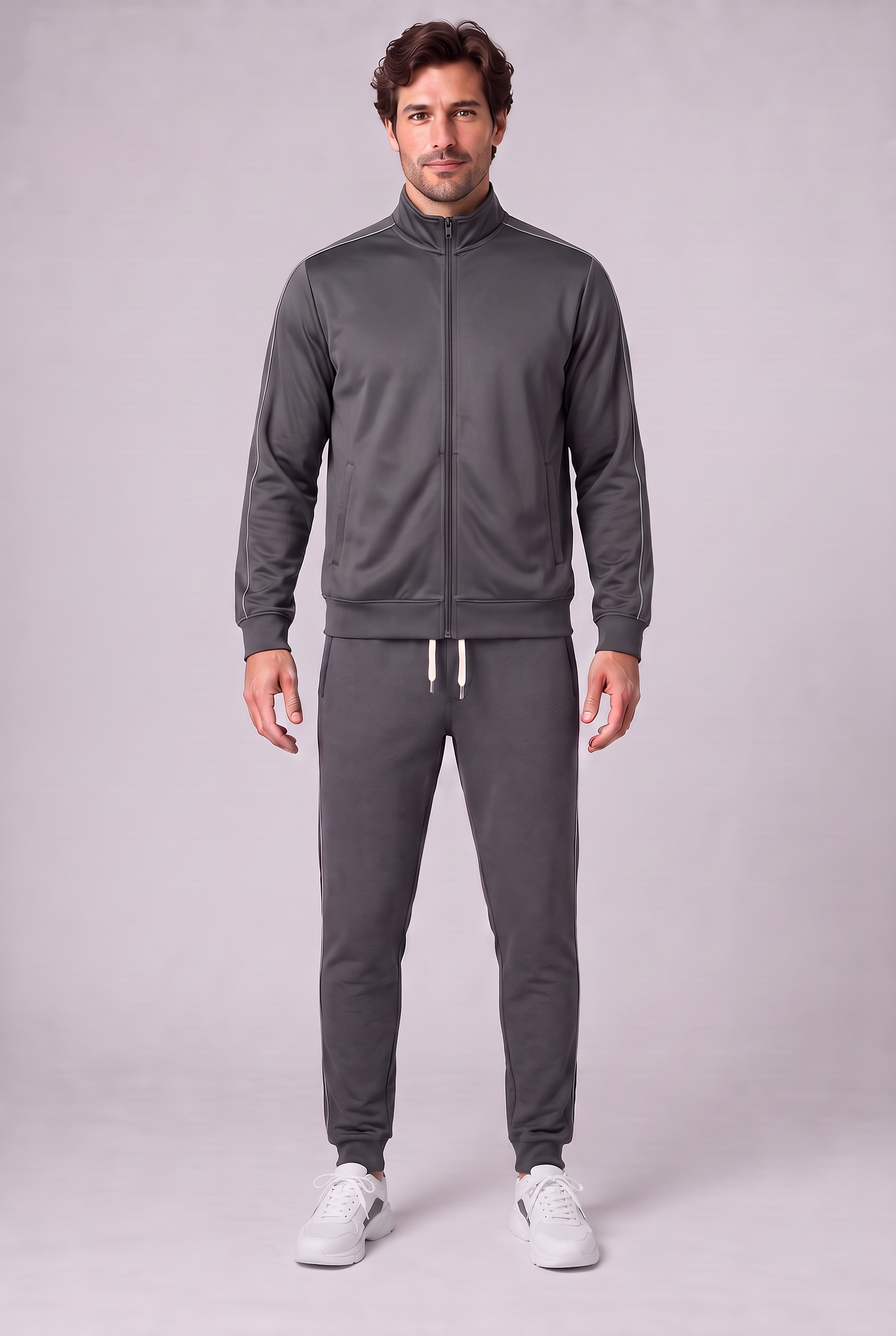
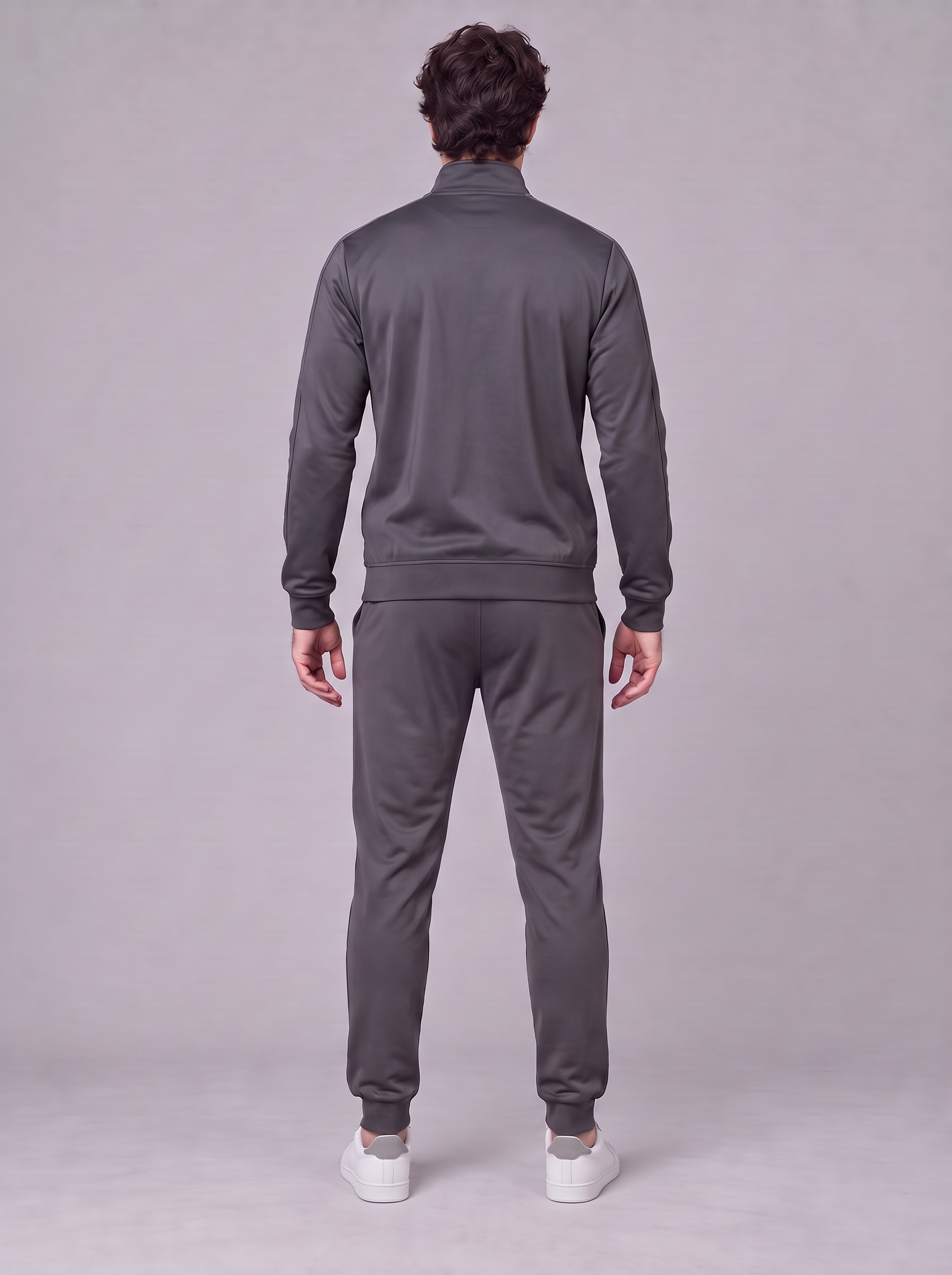
Choose an item
Pick your favorite clothes, shoes or accessories from the store.
Virtual fitting room
Try clothes, shoes and accessories on yourself.
Fashion that fits you
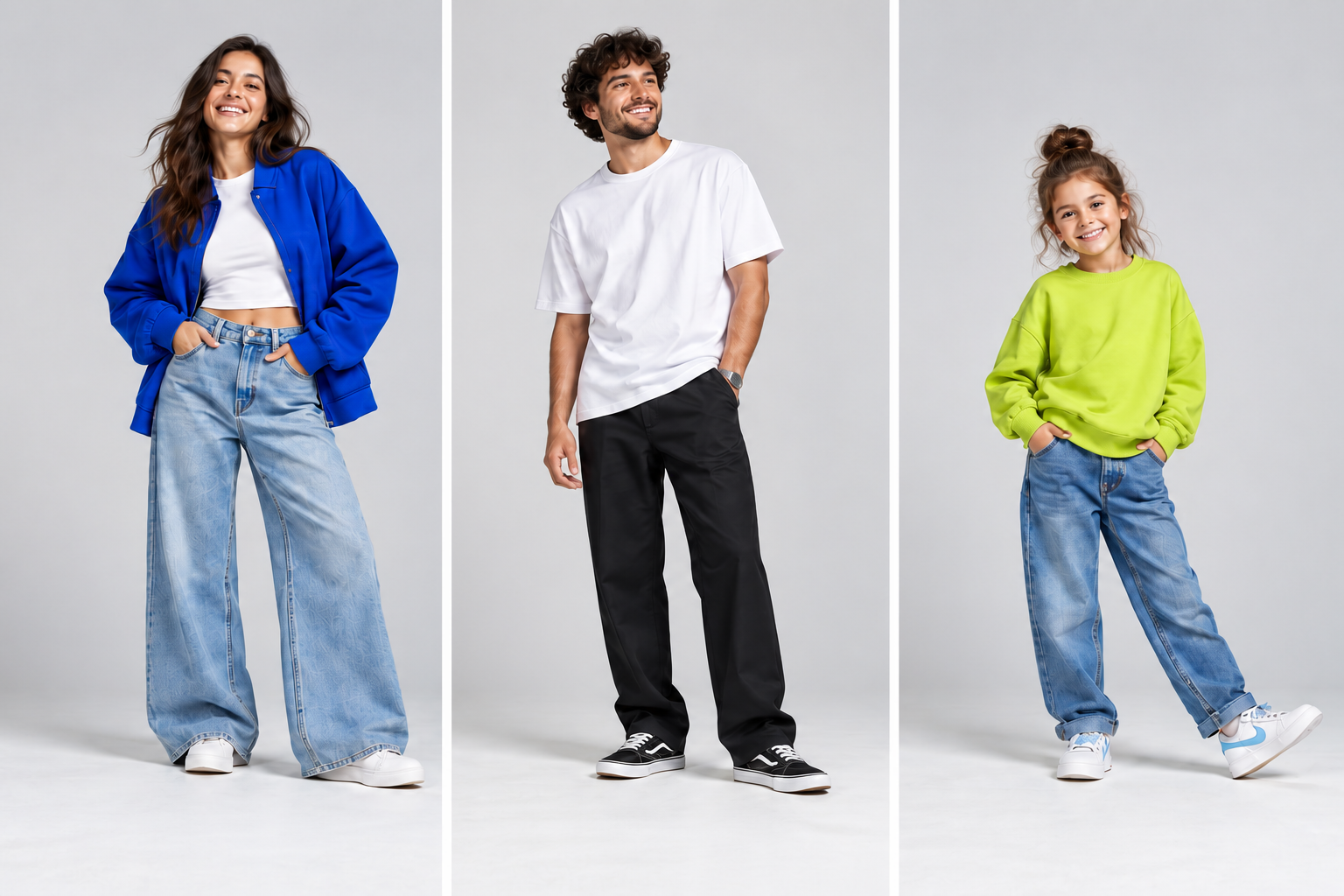
Pick your favorite clothes, shoes or accessories from the store.
Add your photo to start your virtual try-on.
Explore your chosen outfit. The preview does not guarantee fit.
AI-generated try-on using demo products. Original results, without retouching. Colours and details may differ from the product; the preview does not confirm size or fit.
For stores
After your request, we agree on products and a test allowance, connect the store button and verify transfers. We evaluate successful try-ons, product fidelity and participant feedback.
How the pilot works Add Vestivo to iPhone
Then open Vestivo using the V icon. You may need to sign in the first time. Try-on and chat require internet.
For store items, keep using the store’s Try with AI button. Photos and conversations do not automatically transfer between Safari and the app.